01 One site, one point of failure.
A fire, flood or break-in can take the NAS and every copy stored beside it. A second copy in the same building protects against hardware failure, not site loss.
NAS colocation
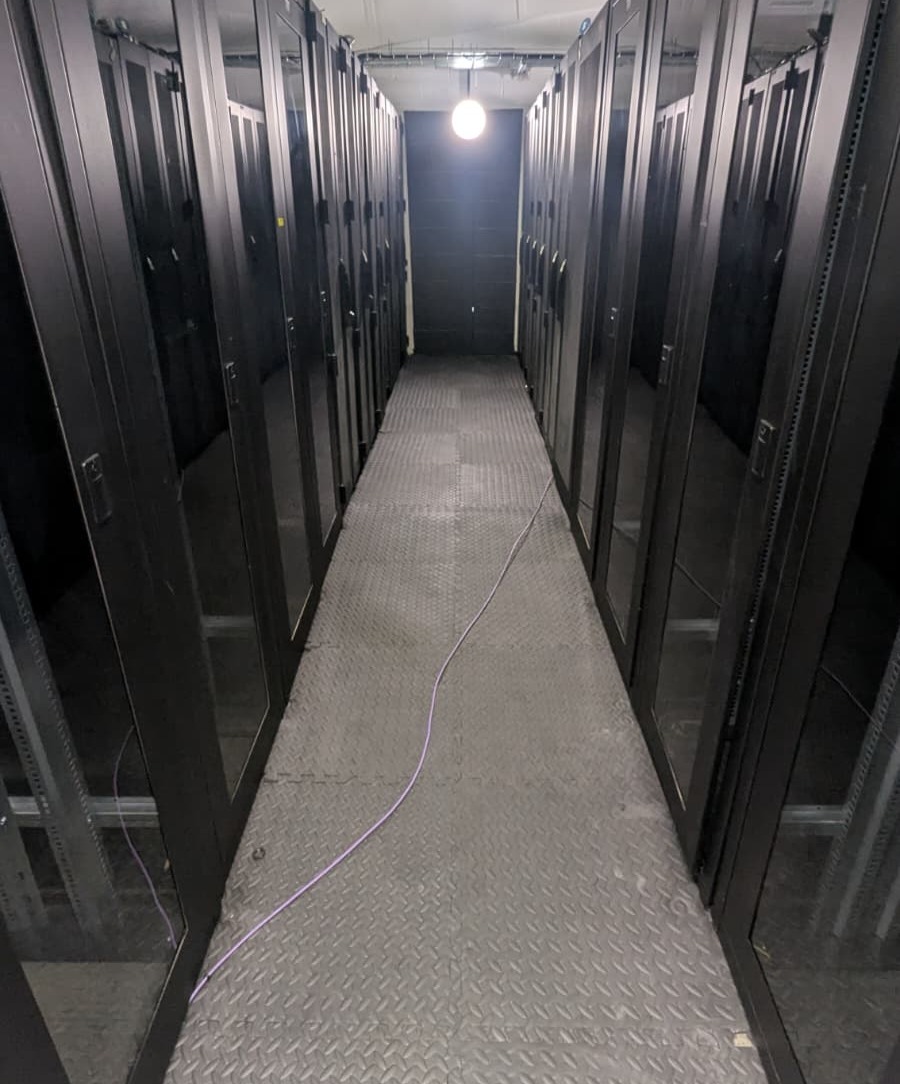
Put a second desktop Synology, QNAP or TrueNAS box in our Long Stratton data centre and replicate to it from home or the office. A flat monthly fee instead of a per-TB cloud bill, a firewalled static IPv4, and engineers on site when a drive needs swapping.
The problem
A fire, flood or break-in can take the NAS and every copy stored beside it. A second copy in the same building protects against hardware failure, not site loss.
Per-TB storage is economical for small datasets. As your archive grows, so does the monthly bill — for as long as you keep the data.
A NAS at a friend’s or relative’s house depends on their broadband, their power and their goodwill, with nobody monitoring it.
Plans
The same plans and prices as our desktop & tower colocation, picked by how much power your NAS draws. Fill it with 8TB drives or 24TB drives and the price doesn’t change.
Most 2–5 bay desktop NAS units
£30/mo +VAT
6-bay and larger desktop NAS units, fully loaded
£49/mo +VAT
Every plan includes: five static IPv4s behind a firewall, one free seeding drop-off, drive-swap remote hands, UPS + generator power and DDoS protection. Add-ons: extra bandwidth on enquiry · courier restore return at cost.
More power or bandwidth is available on request. Rackmount NAS? That’s a storage server — see single server colocation. Not sure what your box draws? Try the power estimator.
Cost comparison
Cloud object storage like Synology C2 and Backblaze B2 bills you for every terabyte, every month. Colocating your own NAS is a flat fee. Slide to see where the line crosses — we’ll be honest if cloud wins.
At 20TB you’d pay ~£104/mo in the cloud. Here it’s £30.
Cloud figure based on Backblaze B2 public list pricing of $6.95/TB/month (checked October 2026), converted at $1 = £0.75, storage only. NorwichDC plans include 20TB of monthly transfer — that’s data moved, not data stored, and your first seed by drop-off doesn’t count. Colocation also means buying a second NAS and drives, which this comparison doesn’t include. All prices exclude VAT.
Included
Built for backup targets, not public servers — so the defaults are locked down and the inclusions are the ones NAS owners need.
How it works
Platforms
Keep using the backup software you already know. Your colocated NAS is just another destination — reached over Tailscale or a firewalled connection from your own IP.
Security
Every NAS gets static IPv4s with a firewall in front of them. Add Tailscale, or lock SSH and SFTP down to your own IP, and your offsite copy all but disappears from the internet. Turn on immutable snapshots and your primary site can’t rewrite them either.
Built for
Media libraries and photo archives that are expensive to keep in the cloud. One flat fee, however full the drives get.
A real offsite copy for your insurer’s questionnaire and your continuity plan — without a per-seat backup subscription.
Huge archives of finished work, kept safe and reachable. When you need it all back, collect the NAS and restore the same day.
A Norfolk landing zone for your clients’ replica NASes, with static IPs behind a firewall and remote hands included.
Location
Far enough that a fire, flood or break-in at your office can’t reach both copies. Close enough to drive over and collect your NAS in a day if you need everything back fast. Distances are as the crow flies.
Inside NorwichDC


Questions
On the monthly bill, usually yes above roughly 6–10TB depending on the plan. Colocation also means buying a second NAS and drives, so factor that in. Below that, cloud storage is often cheaper and we’ll say so. Try the cost comparison with your own numbers.
Not on these plans. A rackmount NAS, such as a Synology RackStation, a rackmount QNAP or a TrueNAS server, is a storage server, so it goes on single server colocation, priced by U size with 1A included. NAS colocation is for desktop units, which sit on secure shelves in our dedicated desktop & tower area.
Seed it at home over your LAN, then drop it off. Only changes go over the internet after that.
No. Your home NAS connects out to the colocated one, so nothing needs opening at home. On our side the colocated NAS gets a static IPv4 behind a firewall; for the tightest setup, run Tailscale on both units and close every public port.
Your NAS alerts you, just as it would at home. Send us a replacement, or buy one through us, and we swap it.
Over the internet at your line speed, or collect the NAS and restore at LAN speed the same day.
Pick by power draw. Most 2–5 bay desktop units sit comfortably inside 0.3A (about 70W), so Low Power Desktop fits. A 6-bay or larger unit with every bay full usually wants the 1A High Power Standard plan. Send us the model and drive count and we’ll confirm, or use the power estimator.
It’s built for backup, but these are our standard desktop & tower plans, so you get five static IPv4s and dual 10G feeds either way. We’d still run public-facing apps on a separate box, so your backup copy stays off the internet.
Yes. See offsite backup & disaster recovery.
Get started
Model, drive count and roughly how much data. We’ll confirm the plan, book a drop-off and have it online within a week.
Secure portal
We complete orders and handle enquiries through our secure EUGameHost portal. We’re redirecting you now.
Selected:
eugamehost.com
Not redirected automatically? Continue →